APK download
A walk-through of the direct-install path — when you need it, where the verified APK lives, and the side-load safety steps to follow.
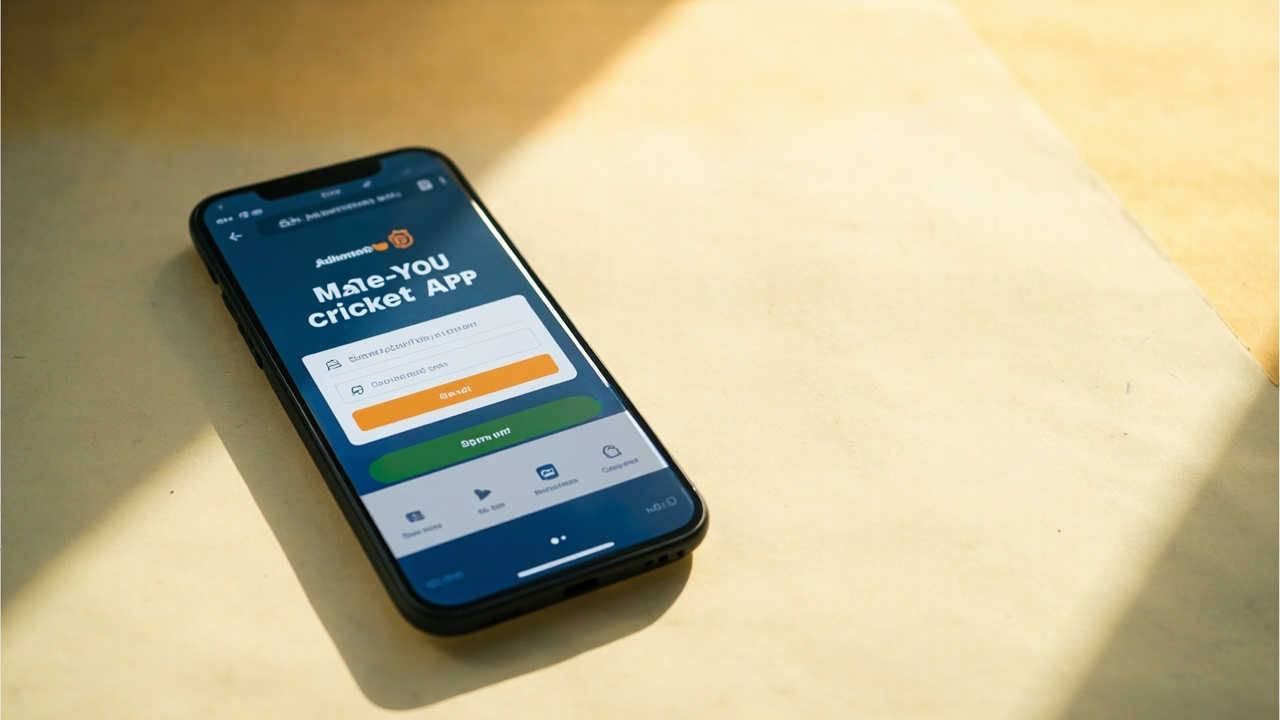
01 When you need the APK
You need the APK only if Google Play cannot deliver the install on your device — typically because the device runs an Android version the Play Store no longer supports, because you are using a tablet without Play Services, or because your carrier has flagged the Play Store CDN.
For every other install path, the download app desk points to Google Play or the Apple App Store.
02 The verified APK location
The only verified APK is on the operator’s own domain. We do not mirror the APK on Dream11 Zone. Any third-party APK aggregator that claims to host “the official Dream11 APK” is a side-load risk.
When you load the operator-hosted APK, the page will name the signing certificate. Compare the certificate fingerprint against the one the operator publishes in their compliance notes.
03 Side-load safety steps
Three checks before tapping Install. First: confirm the URL is on the operator’s domain (not a shortened URL or a hosting mirror). Second: confirm the page signs the APK with a SHA-256 fingerprint and that the fingerprint matches the one the operator publishes. Third: confirm your device has not been jailbroken or rooted, because the install verification step assumes an unmodified Android build.
Where any of the three checks fails, do not install. The verification step exists specifically to protect against side-load abuse.
04 Permissions on the APK install
The APK install will request the same permission set as the Google Play install: storage, network and notifications. The APK does not request SMS, contacts or location permissions.
If your device is set to deny “install from unknown sources”, the OS will prompt you once for that flag and you should grant it only for the operator-hosted APK, not for any third-party mirror.
05 What happens after install
After install, the Dream11 app behaves identically to the Google Play install. KYC verification with PAN and Aadhaar is mandatory before any deposit. Withdrawal processing time is the same.
Updates from the Play Store will not reach an APK install — you will need to download and verify a new APK each time. The operator publishes an update cadence every three to four weeks.
15 Frequently asked
The questions readers most often send to the desk, with answers rooted in the public editorial standards and the platform’s published terms.
Is there an official APK?
Yes — published on the operator’s own domain. We do not mirror it on Dream11 Zone.
Can I install on a rooted device?
The platform’s signature verification may reject a rooted device. We do not recommend installing the APK on a rooted device.
How do I know the APK is not tampered with?
Compare the SHA-256 fingerprint the download page provides against the fingerprint the operator publishes in their compliance notes.
Does APK install work the same as Google Play?
Yes, after install. Updates are manual — you will need to download and verify a new APK each time.
A note from the editor
Dream11 Zone is an independent editorial desk. We are not the operator of Dream11 and we do not place bets. Real-money fantasy contests are restricted in Andhra Pradesh, Assam, Odisha, Telangana, Sikkim, Nagaland and Tamil Nadu. If you are under 18, do not register. If you are in a restricted state, do not deposit. If you are in a permitted state, deposit only what you can afford to lose and use the platform's deposit limits and self-exclusion tools. Editorial standards at methodology; state rules at is Dream11 legal?; contact at contact.