Download the app
The verified download routes for the Dream11 app — Google Play, Apple App Store, and the Android APK for users who need it.
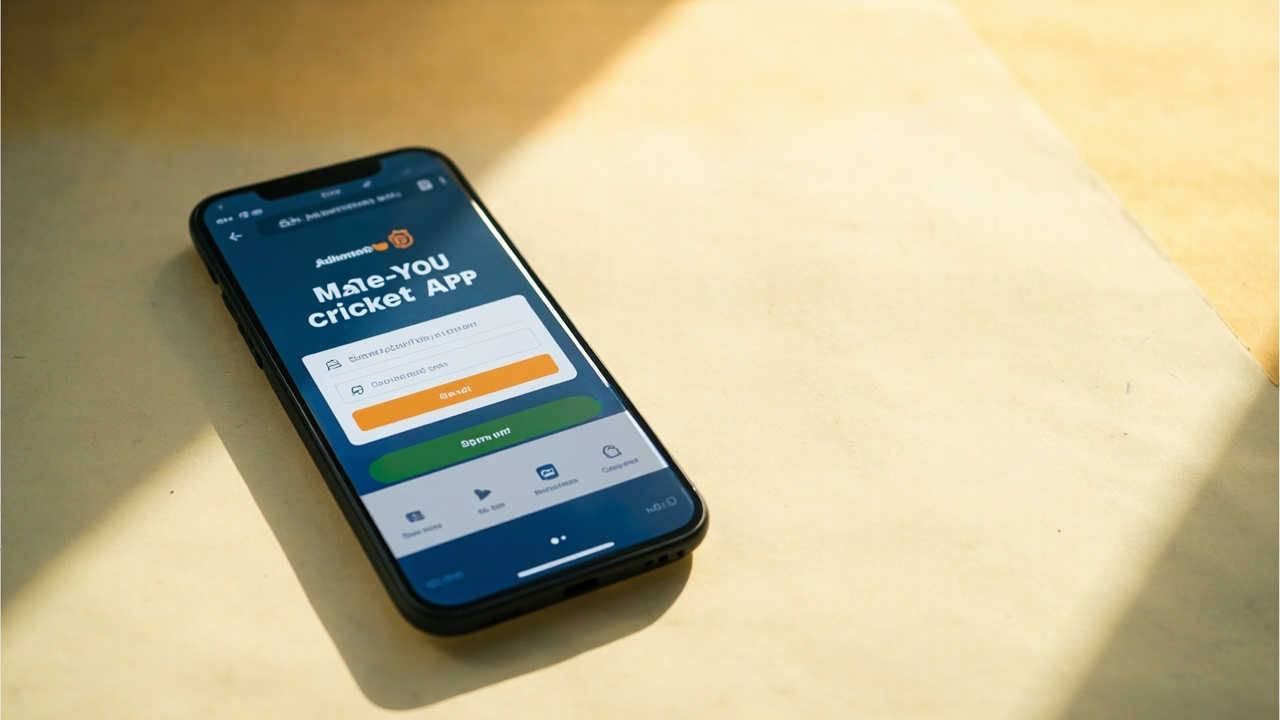
01 The verified download route
The only verified download routes for the Dream11 app are the Google Play Store and the Apple App Store. Both stores are clearly labelled, both stores show the publisher as “Dream Sports” (the operator), and both stores apply the platform’s signature verification before install.
We do not mirror the APK on this site. The APK is available for users who cannot install through Google Play — the link from the APK download desk points to the official operator-hosted APK.
02 iOS install walk-through
Search “Dream11” on the Apple App Store. The first result is the operator-owned app. Tap Get, authenticate with Face ID or your Apple ID and the install begins. Approximate install size is around 80 MB.
Once installed, open the app, accept the platform terms and complete KYC with PAN and Aadhaar documents before any deposit. KYC verification is mandatory before any withdrawal can be processed — the gates are there for legal reasons, not arbitrary ones.
03 Android install walk-through
Search “Dream11” on the Google Play Store. The first result is the operator-owned app. Tap Install, accept the permission set and the install begins. Approximate install size is around 60 MB.
If your device has restricted install permissions (some Xiaomi, Vivo and Oppo handsets ship with a default install restriction), you may need to grant “install from unknown sources” once for the Google Play installer before the install will complete. The flag resets after install.
04 Storage, permissions and what they mean
The Dream11 app installs to roughly 60 MB and runs in roughly 120 MB once cached. Permissions requested at install time are limited to the standard set for an Android sports app: storage (for cached fixture data), network (for live feeds) and notifications (for contest alerts).
The app does not request SMS permissions, contacts permissions or location permissions. If a third-party mirror asks for those, do not install it — that mirror is not the verified app.
05 If the install fails
Common failure modes: insufficient storage (free at least 200 MB), outdated OS (Android 7.0+ and iOS 13.0+ are required), region-locked app store account. The Apple App Store region-lock is enforced for restricted states — see the is Dream11 legal? page.
15 Frequently asked
The questions readers most often send to the desk, with answers rooted in the public editorial standards and the platform’s published terms.
Which app stores are the verified source?
Google Play and Apple App Store. The publisher is “Dream Sports”. We do not host any APK.
Can I install on iPad?
Yes — the iOS app runs in iPad compatibility mode. The match-day interface is identical to the iPhone version.
What if I cannot access Google Play?
Use the APK download route from the APK download page. Only the operator-hosted APK is verified.
What permissions does the app request?
Storage, network and notifications. The app does not request SMS, contacts or location permissions.
A note from the editor
Dream11 Zone is an independent editorial desk. We are not the operator of Dream11 and we do not place bets. Real-money fantasy contests are restricted in Andhra Pradesh, Assam, Odisha, Telangana, Sikkim, Nagaland and Tamil Nadu. If you are under 18, do not register. If you are in a restricted state, do not deposit. If you are in a permitted state, deposit only what you can afford to lose and use the platform's deposit limits and self-exclusion tools. Editorial standards at methodology; state rules at is Dream11 legal?; contact at contact.